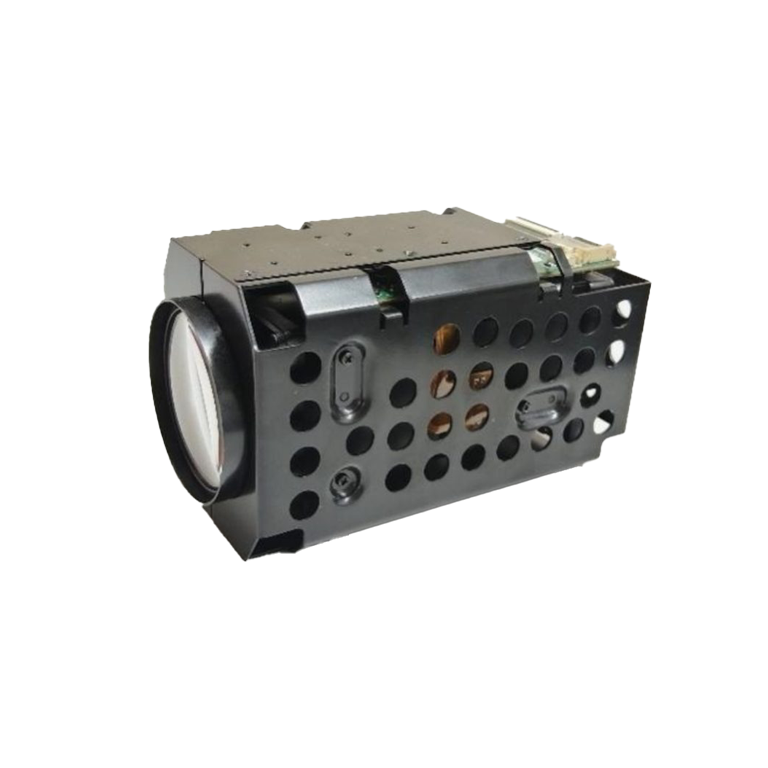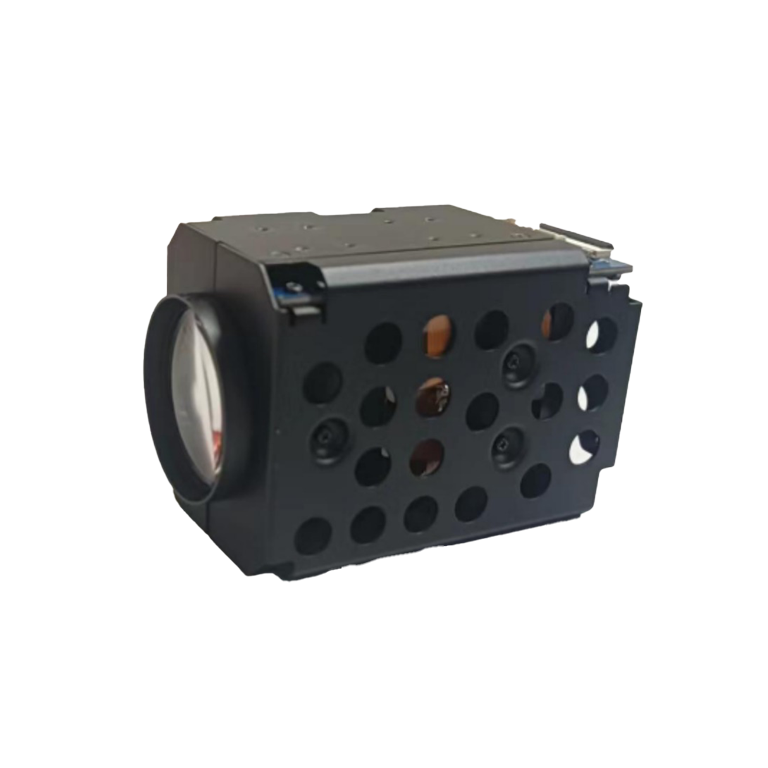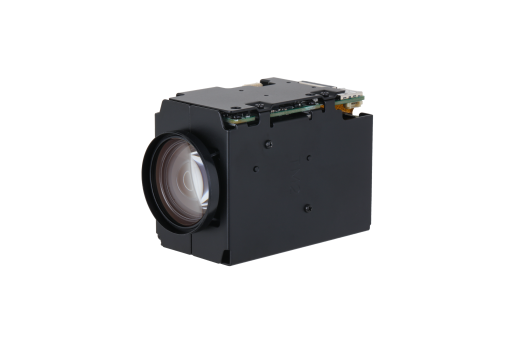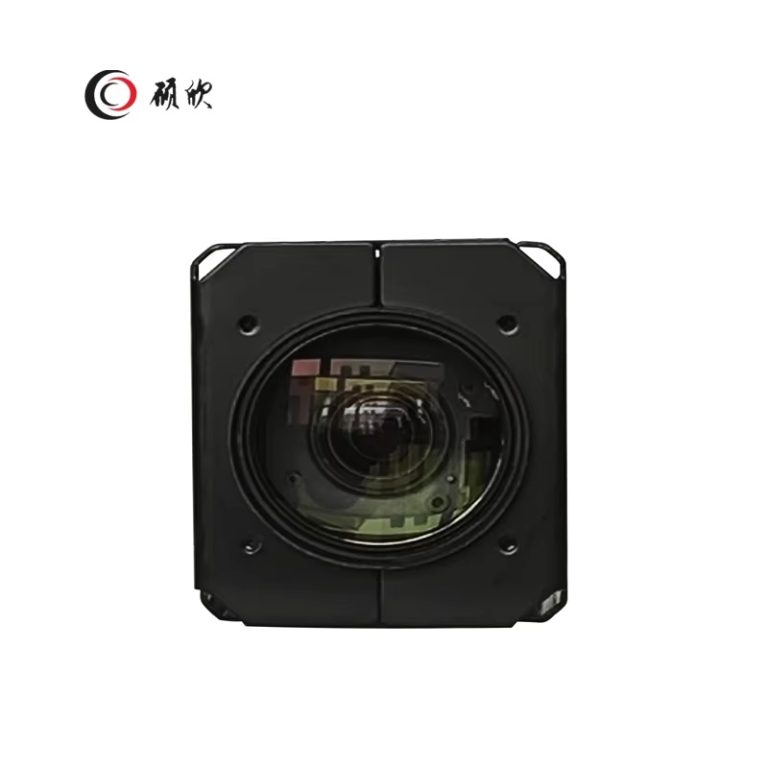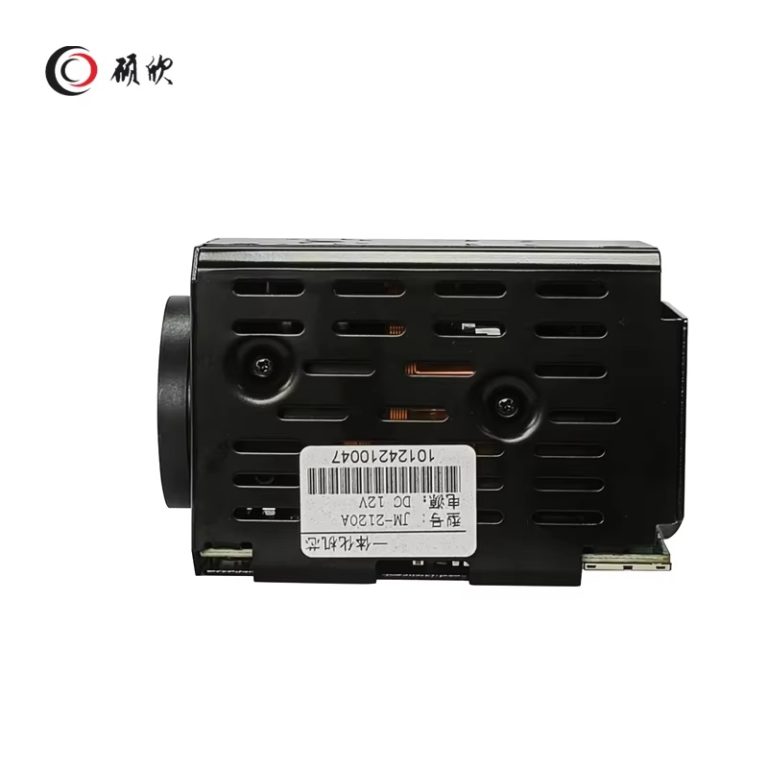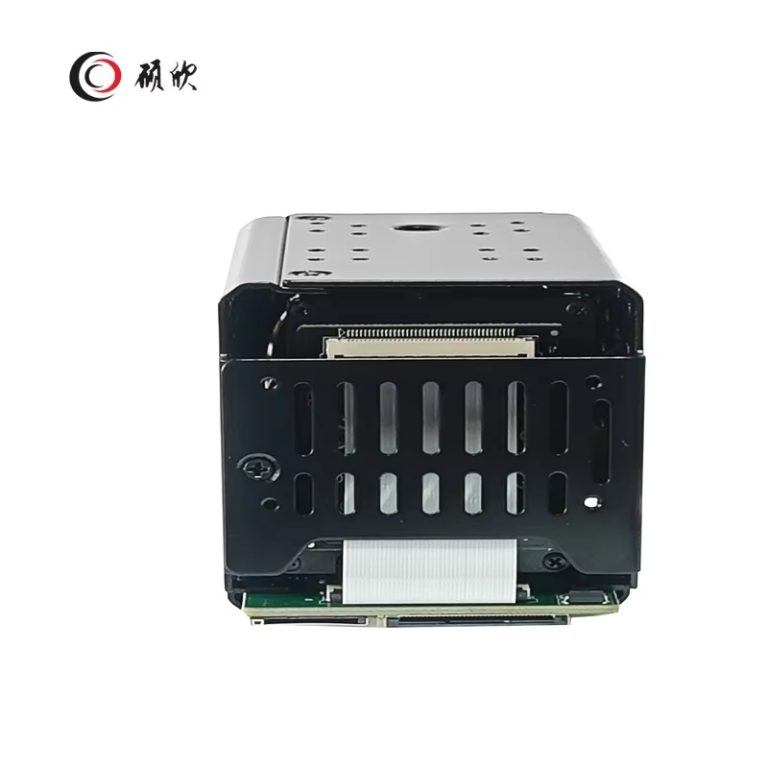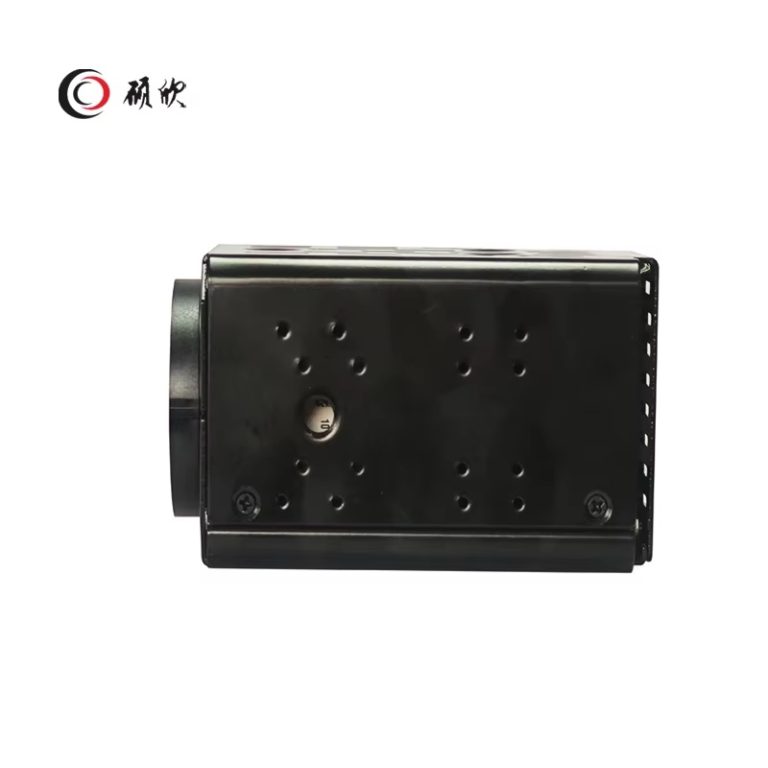
The first decision is whether the host has room for the lens movement, board and cable connection. Once that mechanical fit is clear, the 5–125 mm autofocus lens can be assessed against the required field of view. Resolution, frame-rate and PAL/NTSC choices are set out in the table.
The bare module has no stated outdoor rating, and its Weight row is empty. Both values remain unresolved; another camera is not a valid source for them.
Begin with the viewing task. Define the wide view, the closest useful view and how quickly the operator must move between them. Then decide whether viewing and recording need separate streams. The module can produce as many as three, with encoding options shown in the specification table.
Lighting controls should follow the scene rather than drive the purchase. WDR, highlight and backlight compensation, defog, anti-flicker and day/night functions are available. They provide adjustment range; they cannot make every target look the same under different light.
Place the 36-pin FFC/FPC connection on the host drawing and check cable orientation and bend space. After that, choose serial or network control from the interface rows in the table. If the finished product will use alarm or audio signals, mark those connections as well.
Protocol names identify a route for integration; they do not settle the entire interface. Compare the commands and streams required by the host with the functions the module exposes. Apply the same approach to local storage: capacity is one input, while recording behavior comes from stream settings and finished-system software.
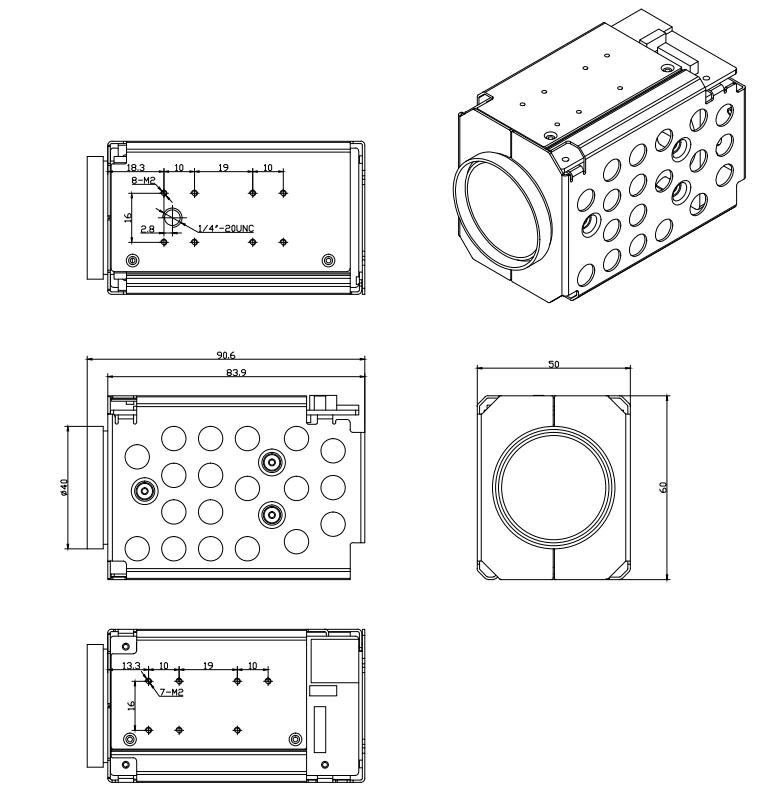
Body dimensions alone are not the enclosure envelope. Reserve extra room for the connector, cable and moving lens. On the electrical side, allocate power from the dynamic figure in the table rather than the lower static value.
The temperature and humidity rows describe the module. The finished camera still needs its own thermal path, condensation control and enclosure rating.
Zoom ratio is only one input. Compare the field of view, stream format, control route, available space and power budget together. Other imaging options are grouped in the Camera Module category.
| JM-2125A | |
|
Camera module |
|
| Image Sensor | Sony 1/2.8″ CMOS |
| Optical Zoom | 5-125mm,25X Optical zoom |
| Electronic Shutter | 1/25~1/100000 |
| Mini. Illumination | Color@0.01Lux (AGC ON),B/W@0.05Lux(AGC ON) |
| Angle of View | 59.6-3.5° (Wide-Tele) |
| Close-up distance | 100mm-200mm(Wide-Tele) |
| Zoom Speed | 3 Sec.(Optical, Wide~Tele) |
| Day / Night | ICR automatic filter switching, support image algorithm, time period, serial port trigger |
|
Video Parameters |
|
| Main Bitstream | PAL:(1920 × 1080,1280 × 720)25fps |
| NTSC: (1920 × 1080,1280 × 720)30fps | |
| Sub-bitstream | PAL:(720×576,352×288)25fps |
| NTCS:(720×480,352×240)30fps | |
| Focus | Auto/Manual/Semi-auto/One-shot focus (effective in auto mode) |
| WDR | 120dB |
| Image adjust | Brightness, Contrast, Saturation, Sharpness, Chroma |
| Image Setting | Area Mask, WDR, Anti-flicker, Defogging, Mirroring, Aisle Mode, Rotation, BLC, HLC, Exposure Compensation, Defective Pixel Compensation, Power Loss Recovery, Distortion Correct, DIS, 3D Position |
|
Network compression function |
|
| Smart Alarm | Motion Detection, Camera Shaded, Network Disconnected, IP Conflict, HDD Error, HDD Full |
| Support Protocols | TCP/IP,ICMP,HTTP,HTTPS,FTP,DHCP,DNS,RTP,RTSP,RTCP,NTP,SMTP,SNMP,IP |
| Access Protocols | ONVIF,GB/T28181,Domestic mainstream protocols |
| Function | Dual stream, password protection, heartbeat, IP blacklist and whitelist, local storage when disconnected, continuous transmission when disconnected, maximum 20-channel preview |
| Compression Standard | H.264/H.265: Baseline ,Main Profile ,High Profile,MJPEG |
| Compressed output bit rate | 64 Kbps~16Mbps |
| Audio compression standards | G.711A、AAC、G711U、G726 |
| Audio compression bit rate | 8/16Kbps |
|
Interface definition |
|
| Storage | TF Card local storage 256G (class10 is recommended) |
| 36pin FPC interface | 36pin FFC (power, network port, indicator light, RS485, RS232, SDHC, Alarm In/Out, Line In/Out, reset, SD card data interface) |
| Extension ports | 1 USB interface, 1 URAT interface |
| Communication Definition | RS232 interface (VISCA protocol), RS485 interface (Pelco protocol) |
|
General |
|
| Power supply | DC 12V±25% |
| Power consumption | Static: 2.5w Dynamic: 4.5w |
| Temperature and humidity | -20℃ – +60℃,Humidity less than 95% (no condensation) |
| Dimension | L91.8*W50*H60mm |
| Weight | |
Dimension
Send the field of view, stream requirement, control route and available enclosure space. Add the power budget, storage plan and any alarm or audio use. For a moving assembly, include the host drawing and cable route.
No. The finished product still needs an enclosure, mounting, environmental protection and external connections.
It reaches 1920 × 1080 at 30 fps and supports up to three streams. Encoding choices are shown in the table.
Serial and network control are available. Use the table to match the required protocol and the 36-pin connection to the host.
Yes. It accepts TF/SD storage up to 256 GB, with Class 10 recommended. Software and stream settings determine recording behavior.
Use Contact Us to send the host layout, power input, controls, stream requirement and operating environment.