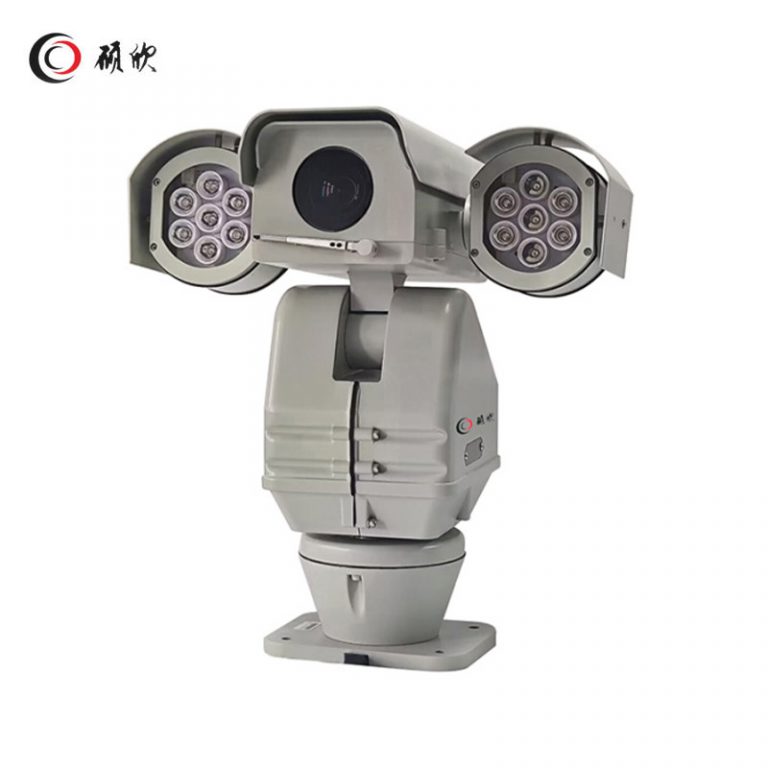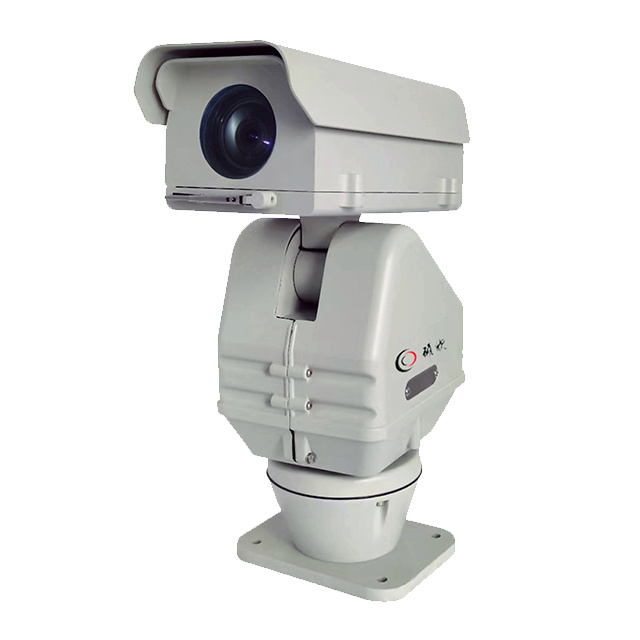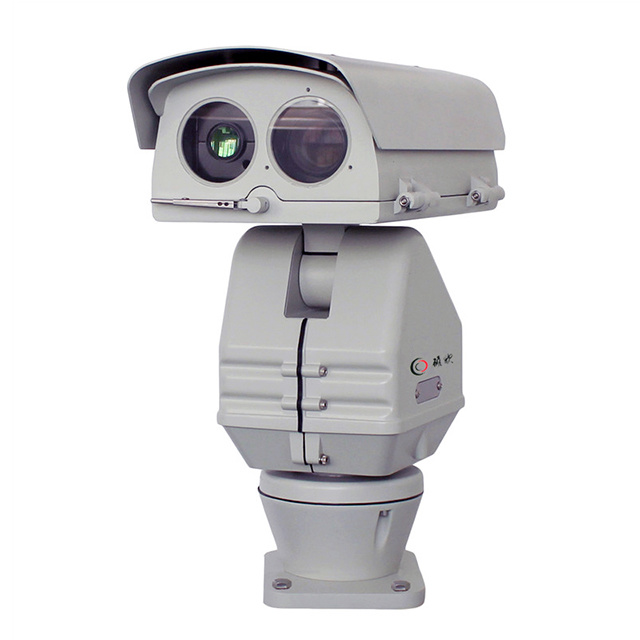
Highway PTZ Camera integrates a PTZ, decoder, protective cover, wiper, heater, defrost/defog window and sunshade. Continuous pan, RS485, IP66 and AC power choices are listed. Infrared, white-light or laser illumination and IP, SDI or coaxial video remain configuration decisions.
Select Highway PTZ Camera around one light and output path. Define that task before comparing options.
Build the operator sequence around one light and output path; state the view, detail and mode change needed.
Urban roads, expressways, railways, substations, building perimeters and coastal sites are within the stated scope. Each location must choose its light, signal path, pole arrangement and service access.
Put roadside wind and access on the drawing and leave unresolved mechanics pending.
Map RS485 and selected video route to host functions one by one rather than relying on names.
Check installed power and cabling; keep optional packages separate until confirmed.
Send one light and output path, roadside wind and access and RS485 and selected video route; flag optional packages for confirmation.
| PTZ: | |
| Pan preset speed | 100°/S |
| Tilt preset speed | 30°/S |
| Pan manual speed control | 0°~ 40°/S |
| Tilt manual speed control | 0°~ 20°/S |
| Pan angle | 360°endless rotation |
| Tilt angle | -70°~ +35° |
| preset | 256 preset positions, 6 patrol tracks |
| Control method | RS485, built-in 16 protocols, baud rate optional from 2400Bps to 19200Bps |
| Relative humidity | <90% |
| Protection level | IP66 |
| Working temperature | -35°C ~ +55°C |
| Power consumption | AC24V/AC110V/AC220V(optional)60VA |
| Wiper | support |
| Weight | 10~13kg |
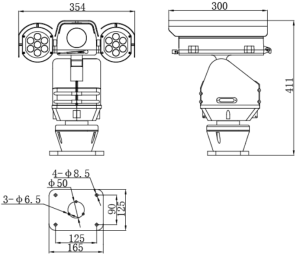
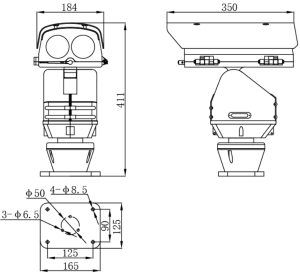
Related products are grouped in the Highway PTZ Camera category. Compare the imaging task, mounting, power and control route together rather than selecting on one distance or zoom figure.
Begin with one light and output path.
Check RS485 and selected video route against required host functions.
Show roadside wind and access, cables and clearances.
Keep optional packages unresolved until written confirmation.
This platform offers alternative infrared, white-light and laser arrangements, together with IP, SDI and coaxial video paths. Select one lighting approach and one required output route for the site. Listing every available path in the same build would not describe a purchasable configuration.
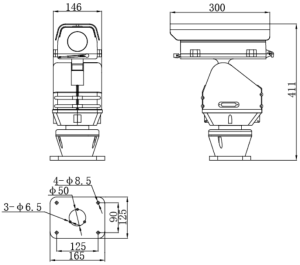
The pole or structure drawing should address roadside wind exposure, continuous pan, maintenance reach and the opening needed for cable entry. The integrated cover, wiper, heater, defrost/defog window and sunshade affect service access. Coordinate those parts before the final bracket is detailed.
Connect RS485 control to the selected decoder route and state which AC power choice the site will provide. Follow the chosen video signal to its receiving device. Optional light or output packages should stay outside the base schedule until the project has named them.
A complete Highway PTZ Camera request names the light source, video path, control wiring and site power. Check the pole drawing for wind, movement and service clearance. The retained table may support that selection, but it must not be read as proof that all listed alternatives are supplied together.
Maintenance planning should follow the selected package. Show how the wiper, heater, window and sunshade can be reached after the unit is mounted, and keep the camera movement clear of the pole or nearby equipment. At the cabinet, label the chosen video receiver and RS485 termination. This site record is more useful than repeating every optional light and output named on the product page.
Where an AC power choice is still open, record it as a site electrical decision before cable sizing. The lighting arrangement and video path should be settled at the same review because they affect the cables entering the assembly.
Use Contact Us to send one light and output path, the drawing and required functions. Identify optional packages as pending.