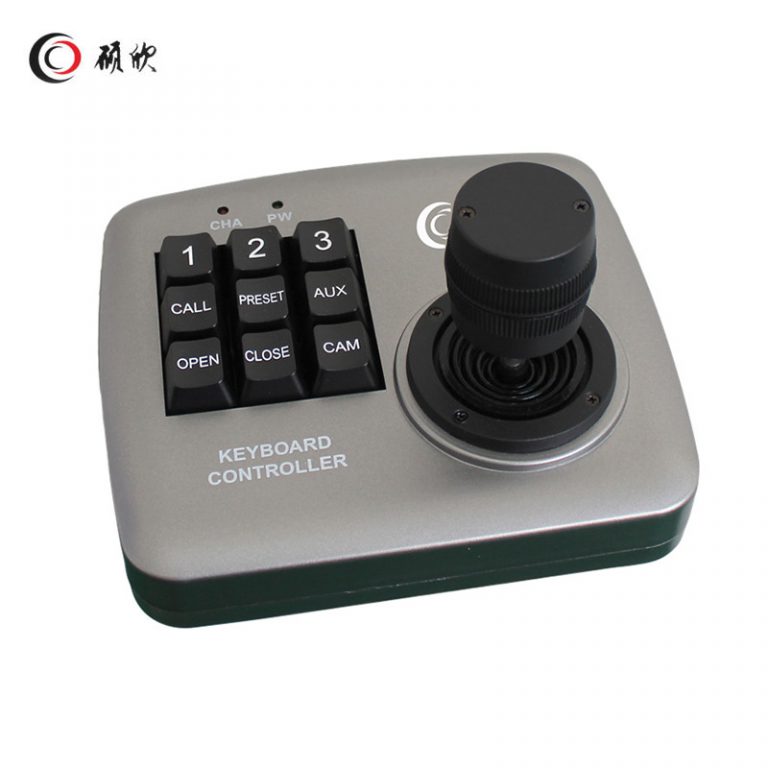
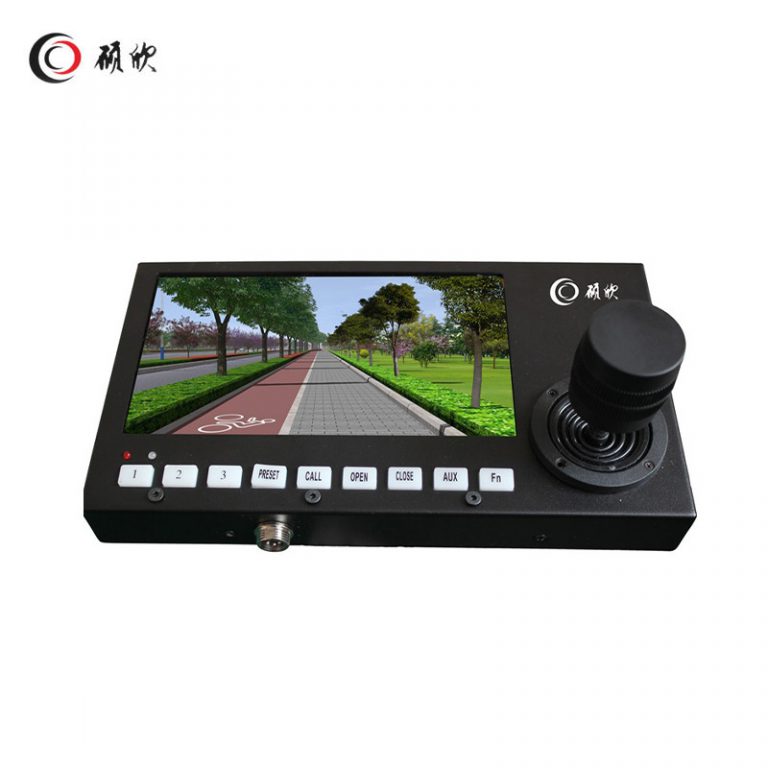
WL-K022 is a vehicle 3D joystick controller with a 7-inch display. Specify one input arrangement, the PTZ command set and the console location for the matched camera system.
WL-K022 is a vehicle-oriented 3D joystick controller with a 7-inch display. The controller uses a 1024 × 600 LED-backlit screen and an 8-pin aviation interface. The page lists VGA, AHD, AV, dual-AV and quad-AV input choices, PTZ control, up to 12 presets, 2400/9600 baud selection, 12 V operation and power consumption below 6 W.
For WL-K022, start with selected display input and capture behavior; the controller cannot create missing PTZ functions.
Rank keys around selected display input and capture behavior and check each shortcut against the camera.
The stated uses include vehicle-mounted mobile monitoring, passenger vehicles, freight vehicles and public-safety or administrative mobile systems. Console position, cable routing and operator access vary across those installations, so the mounting arrangement should be drawn for the target vehicle.
Match 12 V and 2400/9600 baud to the installed system; optional behavior stays separate.
Plan RS485 wiring around screen, joystick and 8-pin cable space and the vehicle electrical environment.
Reserve screen, joystick and 8-pin cable space; do not infer unlisted hardware.
Send selected display input and capture behavior, screen, joystick and 8-pin cable space and supply details; keep input options explicit.
| 製品名 | カーディスプレイキーボード | |
| ビデオ入力 | ビデオ入力 | av(vga {{url_placeholder_0}} av {{url_placeholder_1}} av)カスタマイズ可能 |
| 他のインターフェイス | 航空インターフェイス | 8pin Compositeインターフェイス |
| 画面 | モニター | 7インチLEDバックライト |
| 解決 | 1024*600 | |
| 輝度 | 350NIT | |
| キーボードを制御します | ロッカー | 3次元 |
| プリセットポイント | 最大12のサポート。 | |
| 調整可能な開口部 | サポート | |
| ボーレート | 2400 {{url_placeholder_0}}調整可能 | |
| 力 | 動作電圧 | 12V |
| 消費電力 | <6W | |
| 作業環境 | 温度 | -15℃〜60℃ |
| 湿度 | 10%-95%(凝縮なし) | |
| 物理的特性 | 長さ、幅、高さ | 230*130*30.5 |
| 重さ | 600g | |
Related control products are grouped in the Other Accessories category. Compare the command set, protocol, physical layout and video-input requirement together.
Begin with selected display input and capture behavior.
Check 12 V and 2400/9600 baud against required host functions.
Show screen, joystick and 8-pin cable space, cables and clearances.
Keep input options unresolved until written confirmation.
Begin with the signal the 7-inch screen must show. VGA, AHD, AV, dual-AV and quad-AV are choices, not a statement that every input is active in one configuration. Identify the selected input and then map the joystick, PTZ keys, presets and any required capture behavior to the operator’s task.
The console drawing needs the screen sight line, joystick reach and room behind the 8-pin aviation connector. Include the cable bend and the surface opening rather than using only the front dimensions. This matters in passenger, freight and public-safety vehicles where surrounding controls differ.
Provide 12 V power within the listed consumption below 6 W and select either 2400 or 9600 baud for the matched equipment. The camera must expose the function before the controller can call it. Optional input or capture behavior therefore belongs in the configuration request.
Check the installed viewing angle and joystick reach with the actual console layout. The chosen input, baud rate and PTZ command list must agree with the connected camera. Do not infer that an unselected signal path or optional capture function is included in the ordered controller.
Document the selected aviation-interface wiring and leave unused input choices outside the vehicle harness. This makes later service work traceable to the ordered WL-K022 configuration.
Use お問い合わせ to send selected display input and capture behavior, the drawing and required functions. Identify input options as pending.