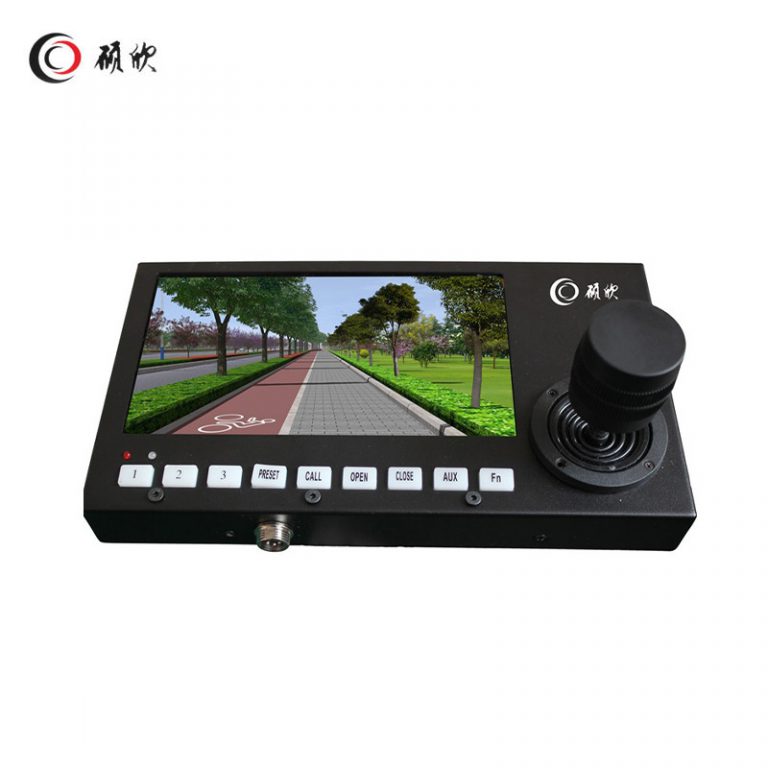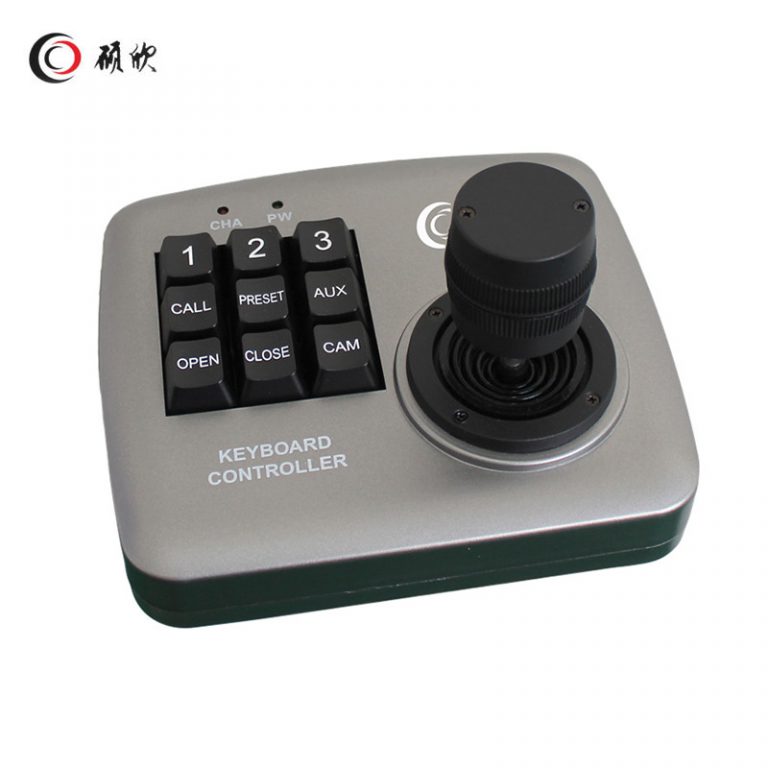
WL-K021 is a compact RS485 3D joystick controller for vehicle-mounted PTZ operation. The default protocol is Pelco-D, with 2400, 4800, 9600 and 19200 bps choices. The page states an RS485 transmission distance up to 1,200 m and identifies one-key access for wiper, cruise and line-scan functions when matched with the relevant PTZ system.
For WL-K021, start with Pelco-D and shortcut keys; the controller cannot create missing PTZ functions.
Rank keys around Pelco-D and shortcut keys and check each shortcut against the camera.
The stated uses include command and patrol vehicles, passenger vehicles, freight vehicles and other mobile-monitoring installations. Console position, cable routing and operator access vary across those installations, so the mounting arrangement should be drawn for the target vehicle.
Match four baud-rate choices to the installed system; optional behavior stays separate.
Plan RS485 wiring around joystick and RS485 cable space and the vehicle electrical environment.
Reserve joystick and RS485 cable space; do not infer unlisted hardware.
Send the required Pelco-D commands, baud rate, shortcut-key functions, console drawing, RS485 cable route and DC 12 V supply details. Mark any unverified command behavior for written confirmation.
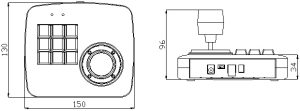
Related control products are grouped in the Other Accessories category. Compare the required command set, Pelco-D configuration, available baud rate and physical console layout together.
Begin with the PTZ commands the operator must use, then map those commands to Pelco-D and the available shortcut keys.
Check the four listed baud-rate choices against the receiving equipment and document the selected RS485 setting.
Show joystick and RS485 cable space, cables and clearances.
Keep any shortcut-key behavior that the matched PTZ system has not documented pending until written confirmation.
List the pan, tilt, zoom and camera actions required by the driver or operator. Pelco-D is the default protocol, while wiper, cruise and line-scan shortcuts work only when the connected PTZ exposes the corresponding commands. That dependency should be visible in the request instead of being assumed from the key label.
Select one of the stated 2400, 4800, 9600 or 19200 bps settings and carry it through the RS485 wiring schedule. The page states transmission up to 1,200 m, but the vehicle design still needs a defined cable route and receiving endpoint. DC 12 V power should be shown at the controller connection.
Reserve space for the 3D joystick, operator hand movement and the RS485 cable bend. Command, patrol, passenger and freight vehicles have different console constraints, so the opening and reach position must come from the intended vehicle layout.
Test the documentation before installation: every requested key should map to a Pelco-D command supported by the PTZ, and the baud rate should match at both ends. Keep any undocumented shortcut behavior out of the accepted configuration until the matched camera confirms it.
Use Contactez-nous to send the Pelco-D command list, chosen baud rate, console drawing and required shortcut functions. Identify any unmatched command as pending.